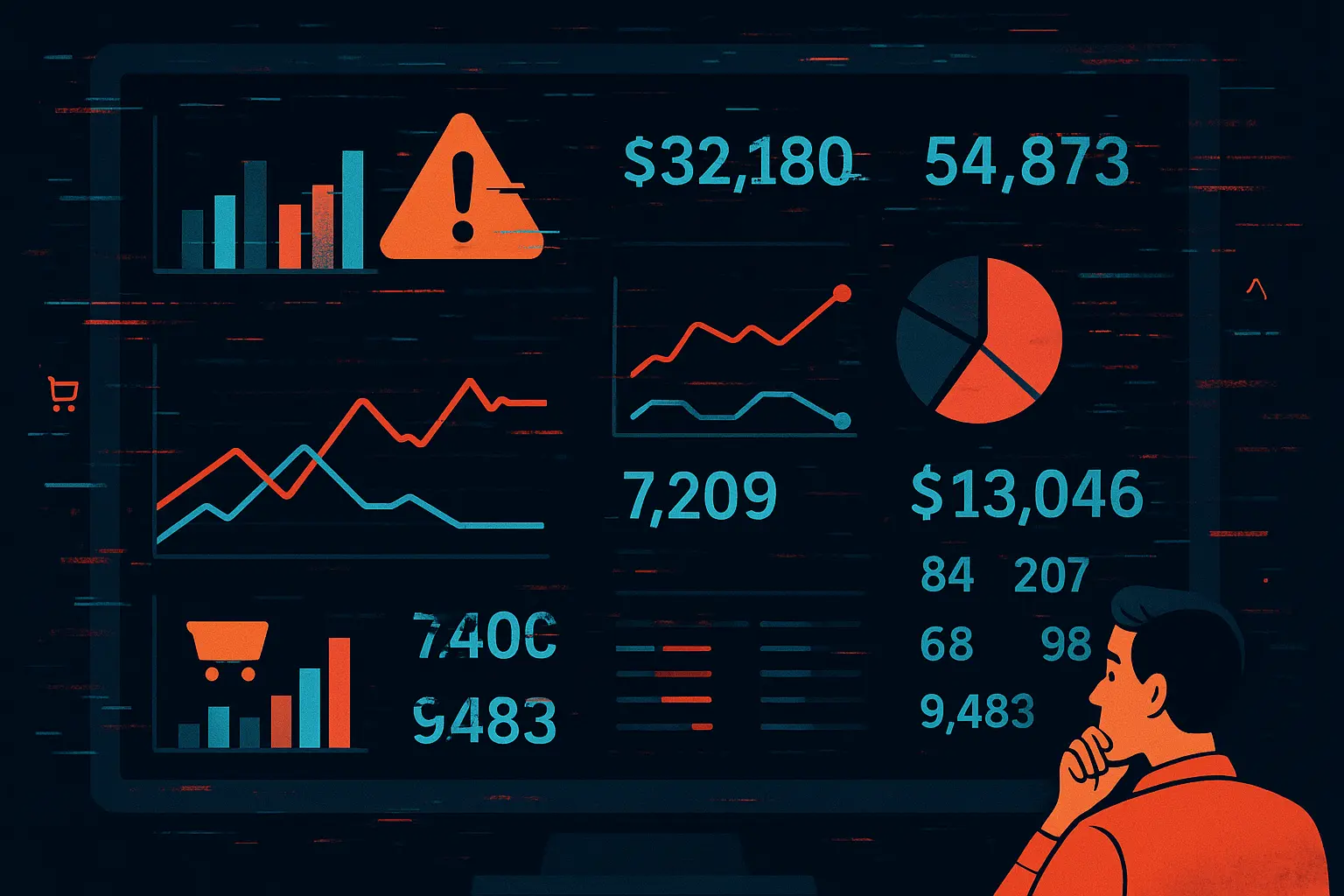
You're looking at three different numbers for yesterday's profit. Seller Central shows $8,450. Your payments report says $7,920. Your current analytics tool reports $8,105. Which one is correct? More importantly, which one are you using to make today's pricing decisions?
According to industry research, poor data quality costs organizations an average of $12.9 million annually1. For Amazon brands managing $500K to $5M in annual revenue, even a 2% data error translates to $10K-$100K in misallocated resources. When you can't trust your numbers, you can't make confident decisions.
Here's what most sellers don't realize: Amazon data isn't wrong. It's fragmented across multiple systems with different update schedules, calculation methods, and reporting windows. This guide explains why your numbers never match and how to fix it.
The real cost of bad data (it's not what you think)
Most sellers focus on the wrong problem. They think data accuracy is about reconciling reports at month-end. But that's bookkeeping, not decision-making. The real cost shows up in the decisions you make every single day based on incomplete or inaccurate data.
Worked example: how a fee error becomes an inventory error (illustrative)
A kitchen brand reorders 2,000 units of a spatula set because the sales velocity report says it is a best seller. The fee model behind that view uses stale dimensional weight, so the FBA fee is understated by $1.40 a unit. On paper each unit clears a small profit; in reality each one loses $1.40.
The arithmetic: 2,000 units at negative $1.40 is $2,800 of margin destroyed, and the reorder also parks the unit cost of 2,000 units in a slow-moving product for as long as it takes to sell through. The reorder decision took twenty minutes. The consequence runs for as long as the stock does.
Hunting for numbers, checking them against another report and asking someone to confirm them is work that produces nothing. For a brand manager covering 80 SKUs across three marketplaces, that reconciliation is easily most of a working day each week, spent on bookkeeping instead of growth.
Weekly Time Cost
12-20 hrs
Spent reconciling conflicting reports instead of optimizing business
Decision Confidence
32%
Managers report low confidence in data-driven decisions (Gartner 2024)
Financial Impact
2-5%
Revenue lost to decisions based on inaccurate data
7 reasons your Amazon data never adds up
Amazon doesn't have a data accuracy problem. It has a data fragmentation problem. Understanding why your numbers don't match requires knowing how Amazon's reporting systems actually work. Let's break down each source of discrepancy.
1. Seller Central vs. Payments: Different transaction windows
Seller Central reports orders by order date. The Payments report tracks settlements by settlement period (typically bi-weekly). A sale on March 15 appears in Seller Central's March 15 report but won't hit your Payments report until the March 29 settlement cycle completes.
The timing trap
Most analytics tools pull from Seller Central APIs, showing order-date metrics. Your bank account shows settlement-date reality. During high-volume periods like Prime Day, this timing difference can be 18+ days, creating a false picture of available cash.
For brands managing cash flow, this isn't academic. When your analytics dashboard shows $45K in sales but your bank account shows $31K, you're making inventory purchasing decisions on incomplete data. Nova's profit analytics track order-date revenue and fees with 40+ fee type granularity, giving you accurate profitability data to make informed decisions.
2. Fee calculation errors from stale product data
FBA fees change based on product dimensions, weight, and category. Amazon recalculates fees whenever these attributes change. Most analytics tools snapshot your product data once, then apply those fees forever. Problem? Your product dimensions might've been updated 3 months ago.
According to Amazon's FBA fee documentation3, fees are calculated using current product attributes at time of shipment, not at time of listing creation. If you remeasured a product and updated its dimensions from 12x10x8 inches to 13x11x9 inches, you've moved into a higher size tier. Your old analytics? Still calculating the old fees.
| Scenario | Old Fee Calculation | Actual Fee Charged | Error Per Unit |
|---|
| Standard to Large Standard | $3.07 | $4.75 | -$1.68 |
| Weight miscalculation | $5.12 | $6.41 | -$1.29 |
| Category misclassification | $3.22 | $4.18 | -$0.96 |
Multiply these errors across 50 SKUs selling 100 units per month, and you're looking at $5,000 to $8,000 in annual profit miscalculation. Not revenue. Profit.
3. Data latency kills same-day decision-making
Most analytics tools sync once daily, usually overnight. Amazon's API data is available every hour, but 24-hour refresh cycles mean you're always looking at yesterday's business. When you make a pricing change at 11am Tuesday, you won't see the impact until Wednesday morning.
Why this matters for agencies
Agency reporting compounds this latency. If your analytics tool syncs daily and you prepare client reports weekly, you're presenting 7-day-old insights as current strategy. Clients making decisions on Friday about Monday's performance. See how Nova solves agency reporting challenges.
Research on data quality shows that decision latency (time between data generation and decision) directly correlates with competitive disadvantage4. In Amazon's marketplace, where Buy Box can shift hourly and competitor prices change 3-5 times daily, 24-hour data delays aren't just inconvenient, they're expensive.
4. Returns and refunds create phantom profit
Order placed Monday. Ships Tuesday. Returns Friday. Most tools count the full sale on Monday and subtract the refund on Friday. Result? Five days of inflated metrics. Scale this across 200 daily orders with a 12% return rate, and your daily profit numbers are consistently 8-15% overstated.
The bigger problem hits when you aggregate weekly or monthly data. If you're comparing this week's performance to last week, and this week had 18 returns versus last week's 9, your week-over-week growth is distorted by return timing, not actual business performance.
5. Multi-marketplace data aggregation nightmares
Selling on US, UK, and Germany? Each marketplace runs on different reporting schedules, currency conversions, and fee structures. Aggregating accurate cross-marketplace profit requires up-to-date exchange rates, marketplace-specific fee calculations, and synchronized reporting windows.
Most tools either force you to view each marketplace separately (making portfolio decisions impossible) or aggregate with static exchange rates from last month (making profit calculations wrong). For brands managing €200K monthly across EU marketplaces, a 3% currency error equals €6K in misreported profit. Every month.
6. PPC attribution gaps between Seller Central and ad console
Seller Central's Business Reports attribute sales to the session that generated them. Amazon Advertising Console attributes sales to the ad click, even if the purchase happened days later. Same sale, two different attribution sources, different revenue numbers.
For brands spending $20K+ monthly on advertising, this creates impossible questions: Is that product actually profitable, or are we double-counting ad-attributed revenue? Nova's profitability dashboard reconciles both sources to show true product-level profitability including accurate ad spend allocation.
7. Manual adjustments and reserve holds hide true cash position
Amazon holds reserves for new accounts, high-velocity products, or quality issues. These holds don't appear in standard reports. You see the sale, but the cash sits in reserve for 7, 30, or 90 days. Your analytics tool reports the profit. Your bank account disagrees.
Add in reimbursements for lost inventory, manual fee adjustments, and subscription deductions, and your "profit" number becomes a theoretical concept rather than available cash. For brands operating on tight margins, this cash timing difference determines whether they can reorder inventory or miss the restock window.
What agencies need to know about data accuracy
Agency relationships live or die on trust. Nothing destroys client trust faster than presenting inaccurate performance data. When a client cross-references your report with their Seller Central numbers and finds a 12% discrepancy, you lose credibility instantly, even if you're doing everything right strategically.
Inconsistent reporting is one of the fastest ways for an agency to lose a client's trust, because the client cannot tell the difference between a number that moved and a number that was wrong last month. For Amazon agencies managing 10 to 50 client accounts, standardised accuracy across all of them isn't optional, it's the foundation of scalable service delivery.
Common agency accuracy failures
- •Client makes a pricing change Monday. Your Wednesday report still shows old prices.
- •Fee calculations based on 6-month-old product dimensions.
- •PPC attribution doesn't match what client sees in Advertising Console.
- •Reporting profits that haven't cleared settlement yet.
What accurate agency reporting requires
- •Sub-4-hour data refresh so reports reflect current client state.
- •SP-API validation ensuring your numbers match Amazon's systems.
- •Unified attribution methodology across all clients.
- •Automated accuracy validation to catch errors before clients do.
For agencies, data accuracy isn't about being "close enough." It's about presenting numbers clients can independently verify without finding discrepancies. Nova's agency platform provides client-specific accuracy validation, ensuring every report matches what clients see in their own Seller Central.
The path forward: From data reconciliation to data confidence
Accurate data doesn't automatically create better decisions. But inaccurate data guarantees worse ones. The goal isn't spending less time on data, it's spending zero time questioning whether your data is correct and all your time acting on it confidently.
According to research on digital operations, organizations that achieve "data confidence" (measured by time from insight to action) outperform competitors by 23% on profitability metrics6. For Amazon brands, that confidence comes from one thing: consistently accurate, validated analytics you never have to second-guess.
Questions to ask any analytics platform
How do you validate FBA fee calculations?
Look for: SP-API integration, daily product attribute updates, systematic validation against Settlement reports. Avoid: "We use Amazon's published fee schedule" (doesn't account for product-specific variations).
What's your data refresh cycle?
Look for: Under 4 hours for operational decisions, hourly for premium accuracy. Avoid: "Daily overnight sync" (too slow for active optimization).
How do you handle multi-marketplace aggregation?
Look for: Frequent exchange rate updates, marketplace-specific fee structures, unified reporting view. Avoid: "Each marketplace is reported separately" (makes portfolio decisions impossible).
How do you reconcile Seller Central vs. Payments data?
Look for: Multi-source validation, settlement-aware reporting, cash vs. Accrual views. Avoid: "We pull from Seller Central API" (misses settlement timing).
What's your documented accuracy rate?
Look for: 99%+ with methodology disclosure. Avoid: No published accuracy metrics or vague claims of "highly accurate."
What sellers are usually trying to escape
The complaints about spreadsheet-and-report workflows tend to be the same three: hours a week spent reconciling reports that disagree, no confidence in the numbers when a real decision depends on them, and yesterday's data when today's is what matters.
Nova's analytics platform combines SP-API validation, hourly refresh cycles, and multi-marketplace reconciliation to deliver 99.9% accuracy. But accuracy isn't the differentiator, confidence is. The point of accurate data is being able to stop thinking about your data and start using it.

 Claude
 Gemini
 ChatGPT